
Analyzers
RTA, waveform, spectrogram, goniometer and loudness.
The mixer displays
Next to the strips there are four displays, like the screens on a console. The name at the top left opens the menu to switch tools:
- RTA: the signal's frequency bands, with peak hold.
- Waveform: the signal over time, left and right channels, with the peak in dBFS.
- Spectrogram: the spectrum scrolling over time, useful for spotting feedback and resonances.
- Goniometer: the stereo image and the correlation between the channels (CORR).
- Loudness: the perceived volume of the mix.
What they measure
- PRE / POST choose whether the display reads before or after the source's fader.
- The source is whatever is selected in the mixer (a strip, the master or an output).
- The button at the top right detaches the displays into a separate window; the arrow docks them back at the side.
In the equalizer
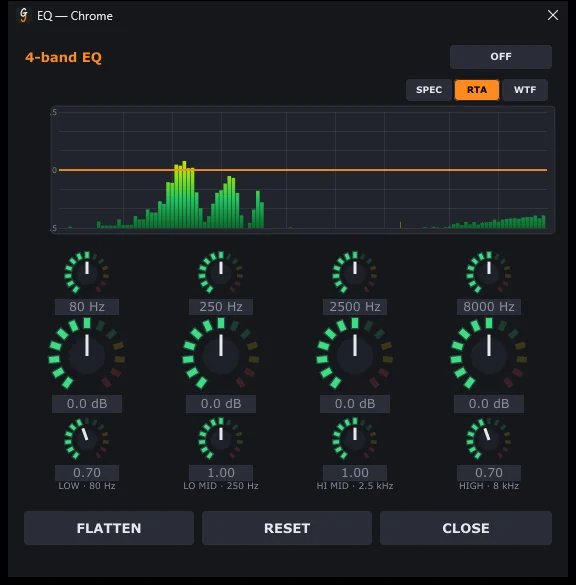
Each strip's EQ dialog has its own analyzer (SPEC, RTA, WTF) so you can see where to make changes as you move the bands.
Can't find the answer? Press FEEDBACK in the app or write to us from the Contact page.