Low latency
Direct audio between musicians, ASIO drivers, an adjustable buffer and an audio engine built never to miss a beat.

GangJam combines a true console mixer, real-time audio between musicians far apart, session video and everything you need to organize jams. Below are the main features, with screenshots of the app; the details are in the guide.
Every audio interface input, every application playing sound and every connected musician has its own strip:
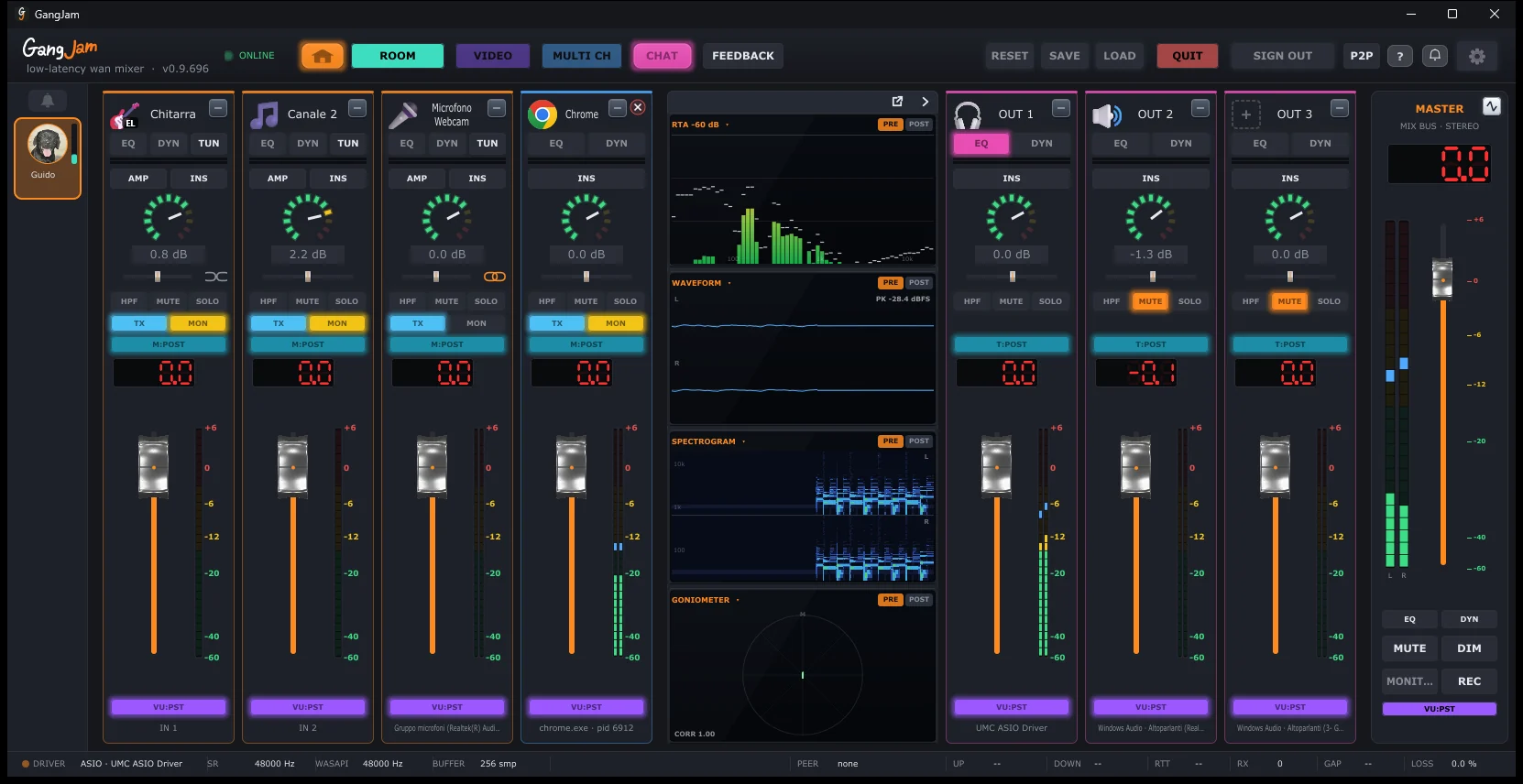
In multichannel, each musician reaches you with their own separate channels — vocals, guitar, backing track — each with its own name and strip: you balance them however you like, just like in the studio. On a slow connection you switch to stereo, a single mix that uses less bandwidth.
Application audio goes into the mixer too: the browser, a backing-track player, a video tutorial each become an independent strip that you can send to the others or keep to yourself.
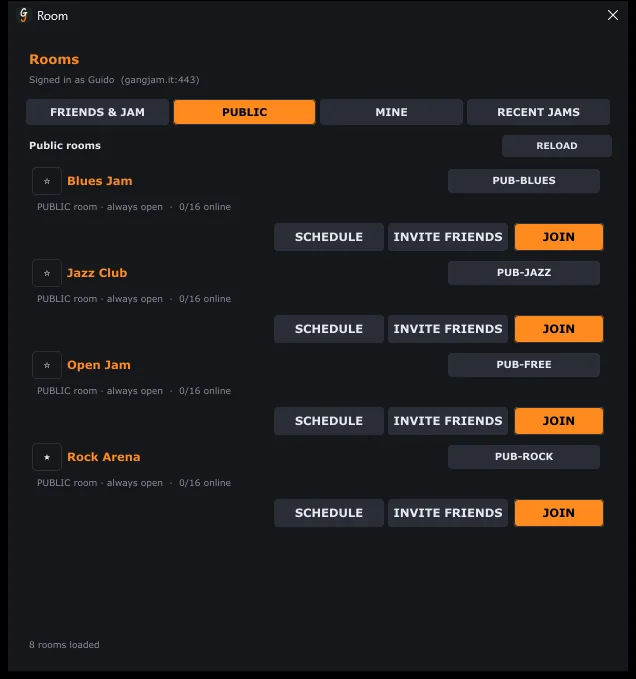
Themed rooms — Blues, Jazz, Rock, Open Jam — are always open for meeting new musicians. Your private rooms have invites and collaborators, and you approve who joins.
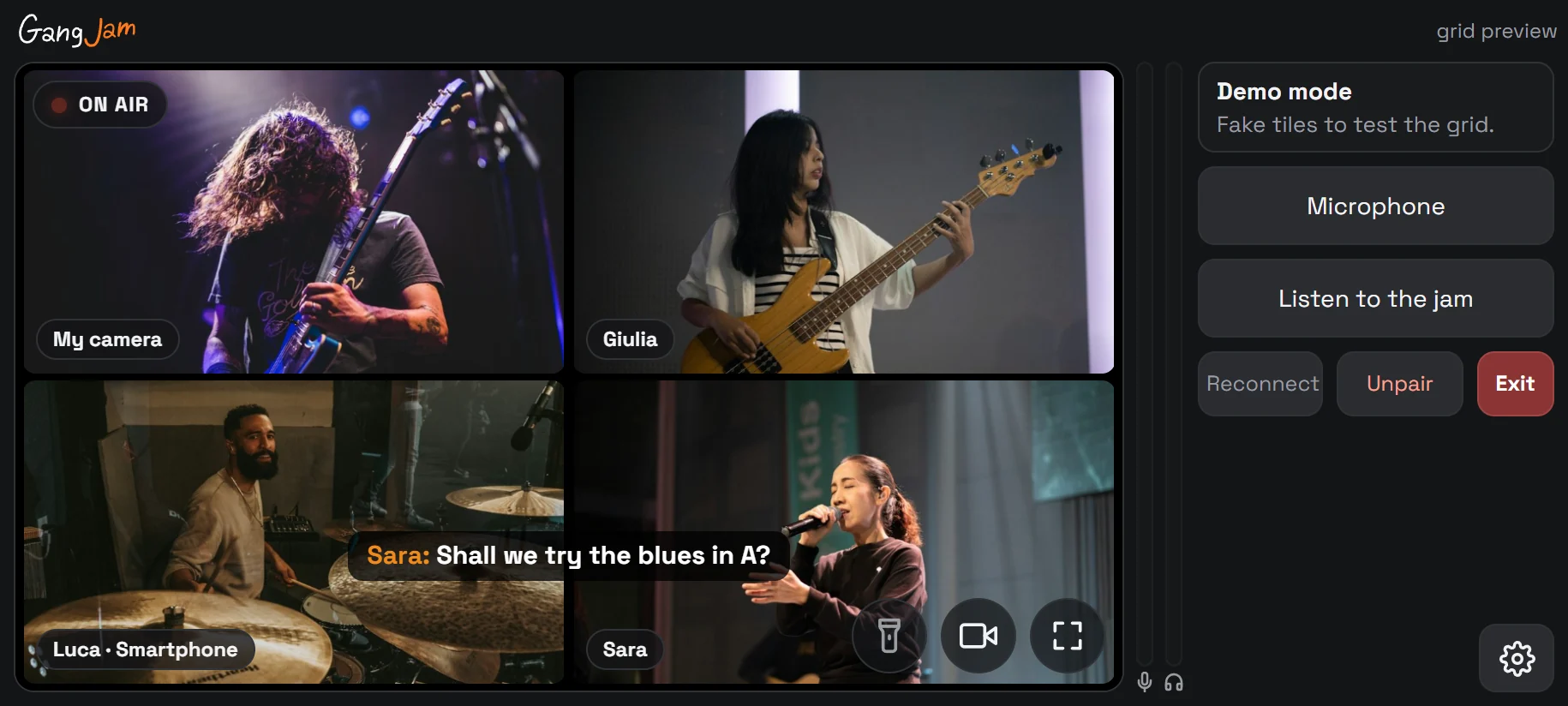
Scan the QR code from the video window and your smartphone joins the jam as an extra camera: front or rear, with the flashlight. No app to install, just the browser.
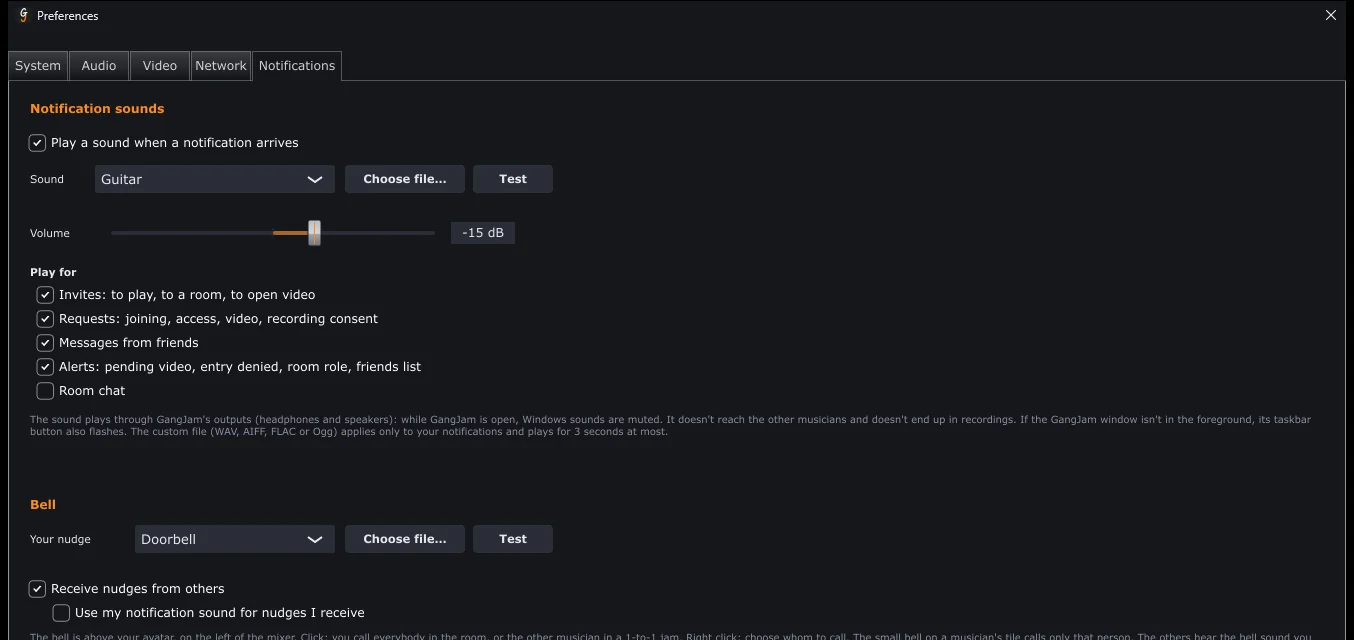
Invites, join requests and messages play in your headphones (never to the others, never in recordings), with the sound you choose. The bell above your avatar gets the attention of everyone in the room when it's time to start again.
Direct audio between musicians, ASIO drivers, an adjustable buffer and an audio engine built never to miss a beat.
Video of all participants with hardware acceleration, multiple webcams, screen or window sharing, recorded videos with their audio.
The mix to WAV from the master, or the jam's video and audio to MP4 from the video window.
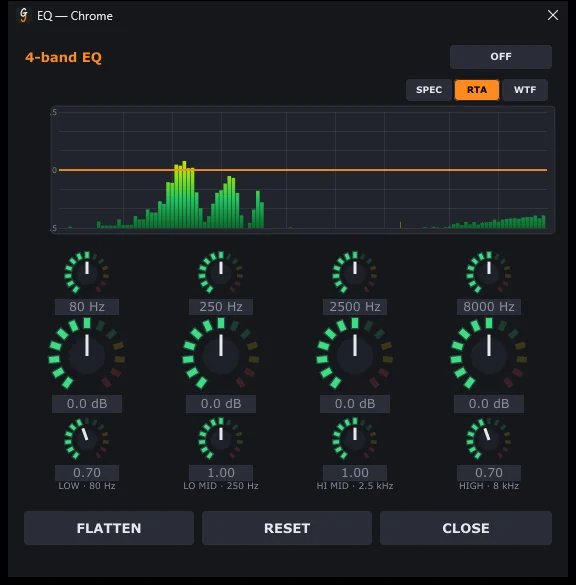
RTA, waveform, spectrogram, goniometer and loudness, pre- or post-fader.
Find musicians by instrument and genre, see who's online or in a jam, and message people even when they're offline.
The group chat stays even without a jam, with photos, audio and video; with GROUP JAM you invite everyone into a room in one click.
Invite a friend to play with just you; if the server doesn't respond, the direct P2P connection lets you play anyway.
Updates install themselves in a few seconds, with what's new in each version.
Tick one box in the settings and GangJam opens by itself when you sign in to Windows.
No subscriptions, no ads: GangJam runs on donations from the people who use it.
Create your account, download GangJam and follow Getting started: within minutes you're in a room.